What photo should I upload?
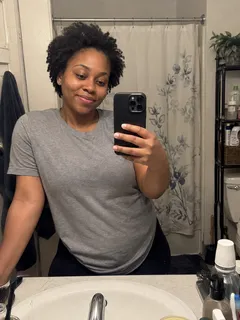
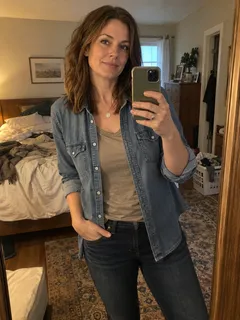
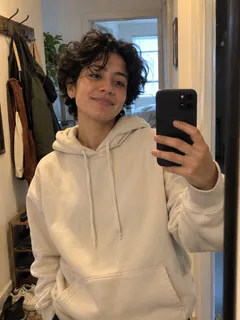
Upload a selfie of yourself or a friend. Choose a selfie where your face is easy to see, with good lighting and no blur.
Start with one photo
Add a selfie of yourself or a friend to any role. Add more photos to perform together.
Want to perform with a friend? Add their selfie to a singer, the lead vocalist or the saxophone player. Add your own photo to another role, and you can appear in the same performance.
Choose a clear image
Choose a selfie where your face is easy to see, with good lighting and no blur.
For a group photo, crop it so each photo shows one person.
Which photo should I choose?
Choose a sharp, well-lit photo of one person, with the face easy to see. Show the head, shoulders and upper body rather than a head-only crop. Keep the clothes clearly visible if you want that outfit in the video.
What should I do if a preview cannot be made?
Choose Change photo and use a clearer waist-up or full-body photo with your face easy to see. Then generate your preview again.